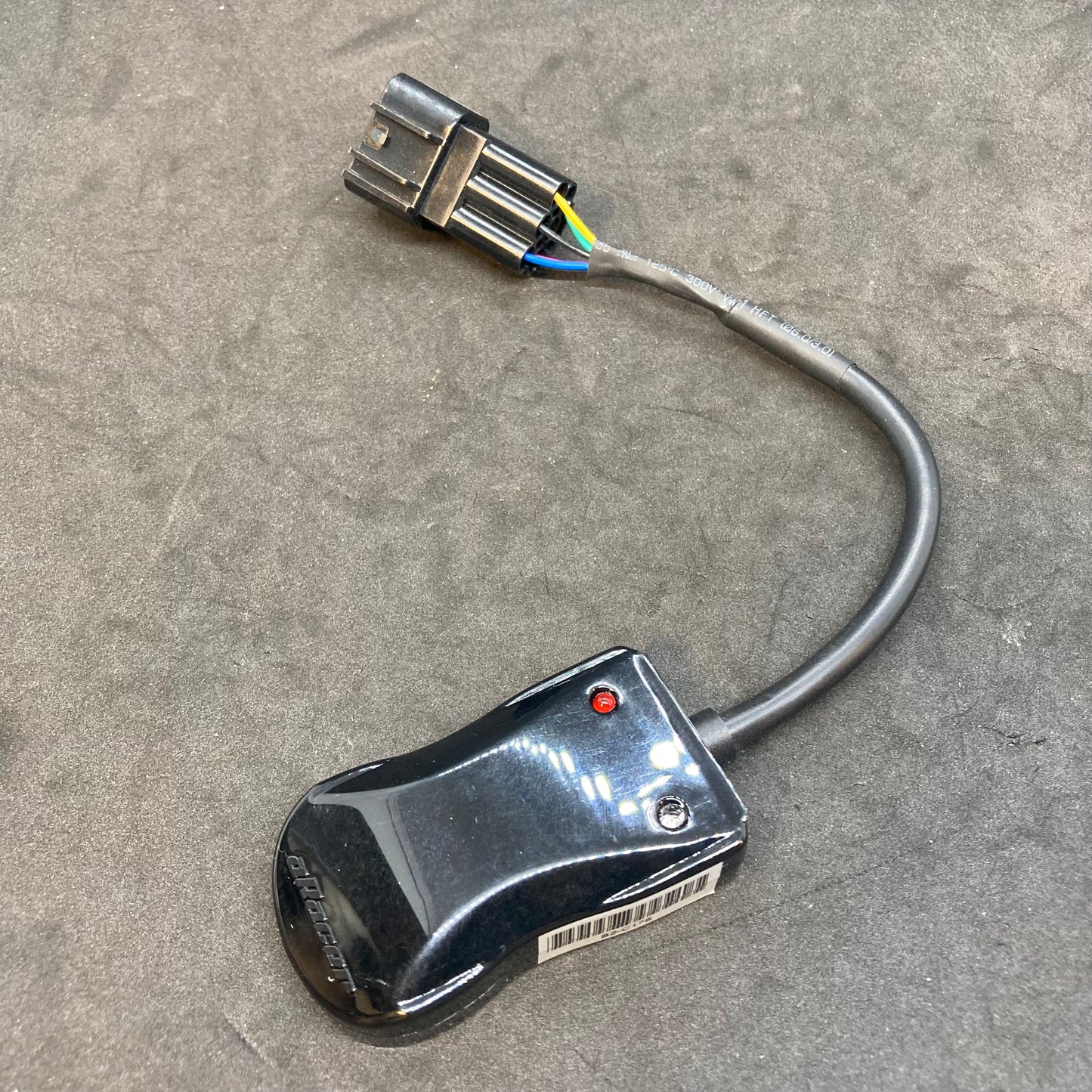

Gen 2 EFI Bluetooth dealer tool
Gen 2 EFI Bluetooth dealer tool
SKU:81016
This is not the full Dealer Tool Kit #81010, it's just the Bluetooth tool from that kit. So there's no cable to connect to a computer, and there's no USB drive with Windows software to record data logs, either. (That software only works with the cable anyway.)
But for checking and clearing codes and checking your idle air control percentage to help with idle synchronization and so forth... this is the part of the tool kit that you'd use. 99% of the time we connect to a Gen 2 Ural, it's with one of these.
To use this with an iPhone, you'll download the app "Ural Motorcycles OBD" from the App Store. Publisher's name is ARacer Speedtek Inc.
NOTE: The iPhone app has one irritating glitch, but at least it's pretty consistent. For me, every time I shut the bike off and back on, I also have to force quit the app on my phone and re-open it. If I don't, it will say "connecting" or even "connected", but the Engine Data screen won't show any information. So learn how to force quit (close) an app on your phone, if you don't already know how.
For Android, the name on the Play Store is just "Ural", published by aRacerApp_TW. I can't get it to work on a Samsung tablet I've got, but I might just not know how to coax it into connecting properly.
Further weirdness: these may show up in your list of Bluetooth devices as "bLink-####-BLE". Or they might look more like "URAL-####". The "####" will be a hexadecimal number, and we think it's unique to each dongle.
Low stock: 3 left
****ON VACATION THROUGH 11/22, NOTHING WILL SHIP UNTIL Monday 11/23 ****
Share